WA-PA
 Plugin for Log Rotation
Rotate at a Set Interval
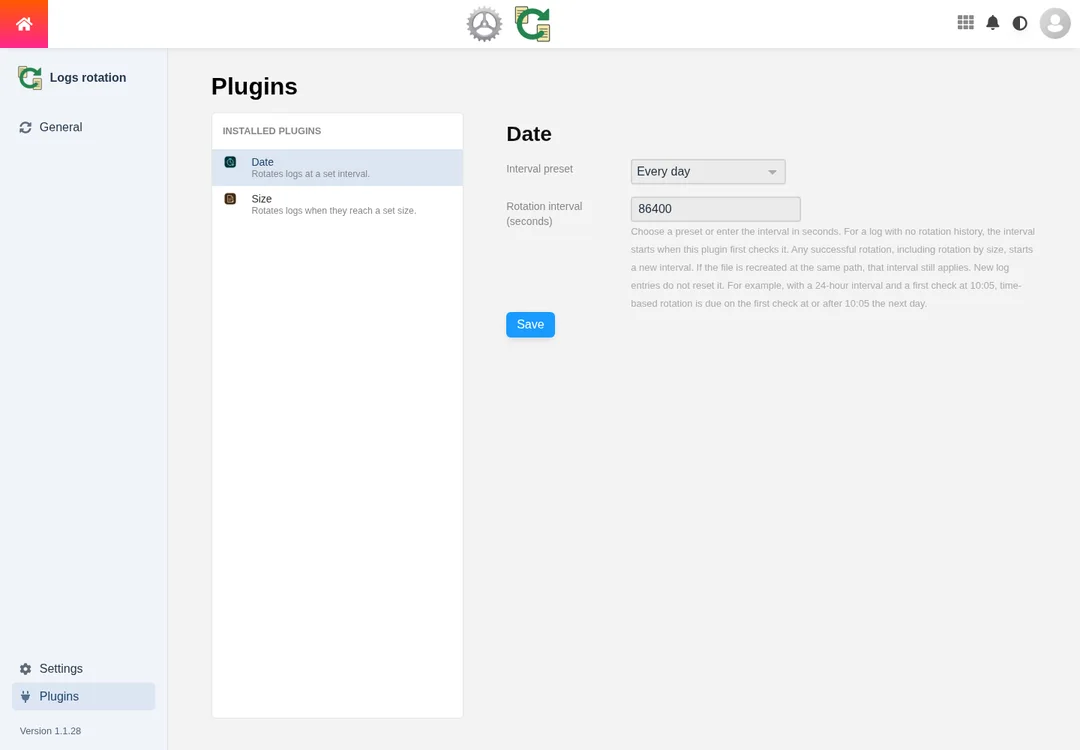
Set a rotation interval for each log file that needs a time-based schedule.
How the plugin works
The timer starts at the first check. When the interval has elapsed, the next scheduled check rotates the log. A successful rotation starts a new interval, even if the log was written to during the previous one.
What you can do
- Choose a preset interval from ten minutes to thirty days.
- Enter a custom interval in seconds.
- Keep the same rotation schedule while the application continues writing to the file.